


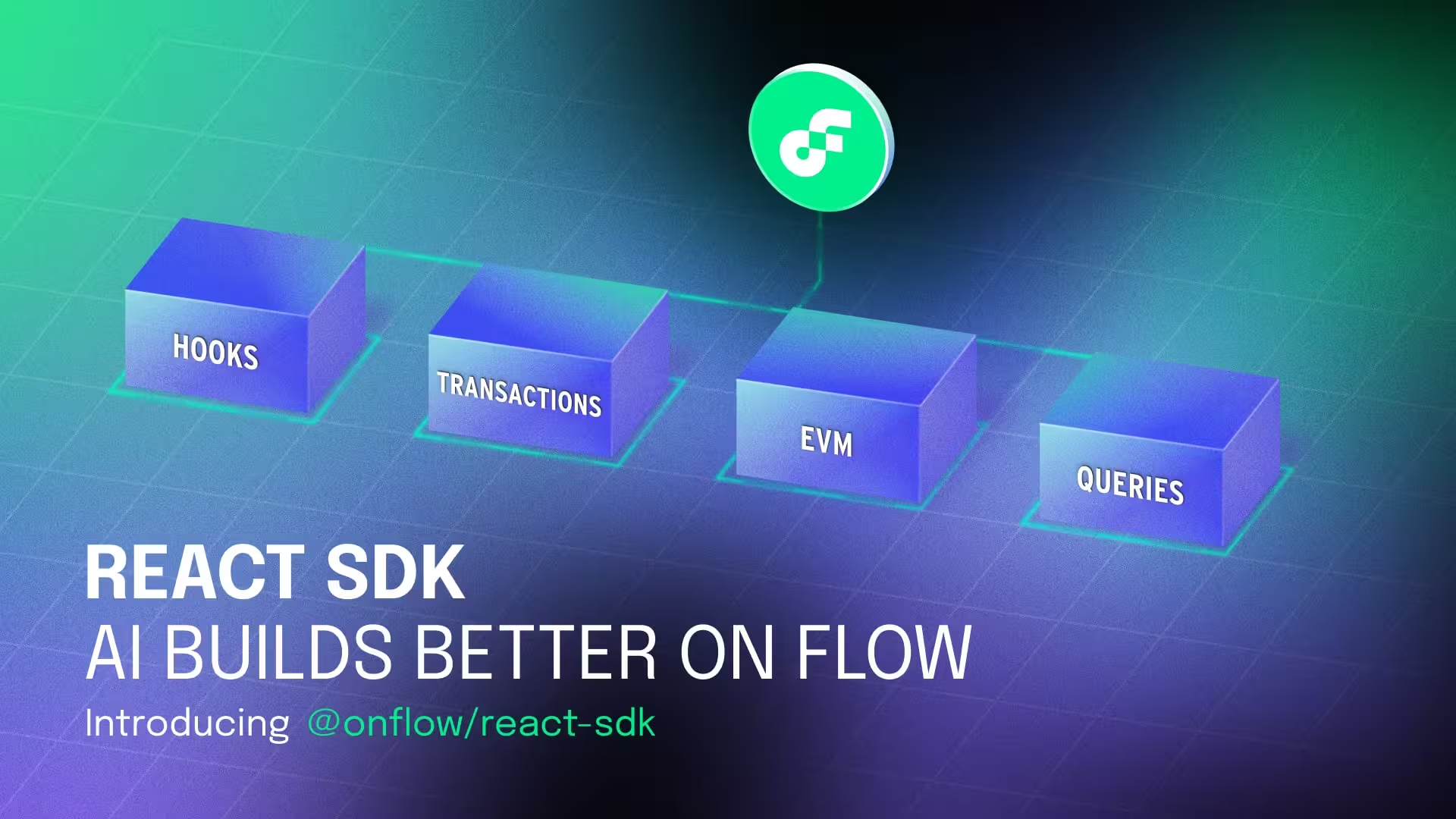
Introducing @onflow/react-sdk, an AI‑native React toolkit
Modern teams increasingly pair developers with AI assistants, agents, and code completion. React is the lingua franca these tools know best. @onflow/react-sdk embraces that reality: it packages Flow’s power in Cadence, on-chain queries, transactions, and Flow EVM, behind small, predictable React APIs that AI can reliably compose.
The result: cleaner prompts, fewer footguns, production‑grade code faster.
Why AI builds faster with this library
1) React‑first primitives that AIs already understand.
Hooks with consistent shapes (useFlowQuery, useFlowMutate, useFlowAccount, useFlowEvents, …) map naturally to what LLMs generate every day. There’s no bespoke lifecycle to learn; just standard React patterns.
2) A tiny, stable surface area.
Scripts and transactions share one mental model: { cadence, args, limit }. Minimal options mean minimal hallucination. If an assistant can fill a function call, it can talk to Flow.
3) Strong typing = better completions.
TypeScript types steer AI toward valid arguments, return shapes, and status objects. When an assistant guesses, the compiler helps it land on the right answer.
4) Declarative, cache‑aware data flow.
Built on TanStack Query. Queries/transactions are idempotent, cacheable, and easy to refetch—exactly the patterns AIs tend to generate.
5) Guardrails for blockchain UX.
Prebuilt components such as <Connect />, <TransactionDialog />, <TransactionLink />, <TransactionButton /> encapsulate wallet state and status handling, so assistants don’t reinvent error‑prone UI flows.
6) Cross‑VM made prompt‑simple.
Bridging tokens or NFTs and calling EVM contracts from Cadence is hard to describe in plain English. The library reduces it to focused hooks like useCrossVmSpendToken, useCrossVmSpendNft, and useCrossVmBatchTransaction so an AI only needs to provide addresses, ABIs, and args.
AI‑native design principles
- One way to do things. Uniform signatures lower the chance an assistant picks the wrong path.
- Composable > magical. Every hook returns plain objects you can pass around, memoize, or store.
- Deterministic UI. Components expose explicit props and avoid hidden globals. Great for tool usage and tests.
- Typed config. FlowProvider validates config at compile time and keeps dark mode & theme in sync with your app.
Quick start
npm install @onflow/react-sdk
import { FlowProvider } from "@onflow/react-sdk"

export function Providers({ children }: { children: React.ReactNode }) {
  return (
    <FlowProvider
      config={{
        accessNodeUrl: "<https://access-mainnet.onflow.org>",
        flowNetwork: "mainnet",
        appDetailTitle: "My Flow App",
      }}
      colorMode="system"
    >
      {children}
    </FlowProvider>
  )
}
Connect a wallet in one line:
import { Connect } from "@onflow/react-sdk"

<Connect onConnect={() => console.log("Connected")} />
Run a script the way an AI will naturally generate it:
import { useFlowQuery } from "@onflow/react-sdk"

const { data, isLoading, error } = useFlowQuery({
  cadence: `
    access(all)
    fun main(a: Int, b: Int): Int { return a + b }
  `,
  args: (arg, t) => [arg(2, t.Int), arg(3, t.Int)],
})
Send a transaction:
import { useFlowMutate } from "@onflow/react-sdk"

const { mutate, data: txId, isPending } = useFlowMutate()

function MintButton() {
  return (
    <button
      disabled={isPending}
      onClick={() =>
        mutate({
          cadence: `transaction { prepare(acct: auth(AuthAccount)) { log(acct.address) } }`,
          args: (arg, t) => [],
          limit: 100,
        })
      }
    >
      Mint
    </button>
  )
}
Track status with UI guardrails:
import { TransactionDialog } from "@onflow/react-sdk"

<TransactionDialog
  open={open}
  onOpenChange={setOpen}
  txId={txId}
  pendingTitle="Sending…"
  successTitle="Confirmed"
  closeOnSuccess
/>
Cadence + Solidity in one prompt
Atomic EVM calls from Cadence, via one hook. An assistant only needs to provide an ABI, function names, and addresses.
import { useCrossVmBatchTransaction } from "@onflow/react-sdk"

const { mutate: sendBatch } = useCrossVmBatchTransaction()

sendBatch({
  calls: [
    {
      address: "0x1234…abcd",
      abi,
      functionName: "transfer",
      args: ["0xabcd…1234", 100n],
    },
    // more calls…
  ],
  mustPass: true,
})
Want to bridge and spend tokens in one go?
import { useCrossVmSpendToken } from "@onflow/react-sdk"

const { spendToken } = useCrossVmSpendToken()

spendToken({
  vaultIdentifier: "A.1654653399040a61.FlowToken.Vault",
  amount: "1.25",
  calls: [
    { address: "0xEvmToken", abi, functionName: "approve", args: ["0xSpender", 1250000000000000000n] },
  ],
})
Prompt patterns that work well
“Connect a wallet and show the user’s FLOW balance.”
Use <Connect /> with balanceType="combined" and useCrossVmTokenBalance.
import { Connect, useCrossVmTokenBalance } from "@onflow/react-sdk"

function Balance() {
  const owner = "0x1e4aa0b87d10b141"
  const { data } = useCrossVmTokenBalance({
    owner,
    vaultIdentifier: "A.1654653399040a61.FlowToken.Vault",
  })
  return <div>Total: {data?.combined.formatted} FLOW</div>
}
“Listen to contract events and update the UI.”
import { useFlowEvents } from "@onflow/react-sdk"

useFlowEvents({
  eventTypes: ["A.0xDeaDBeef.MyContract.Minted"],
  onEvent: (e) => console.log("Minted", e),
})
“Give me three large random numbers for a UI effect.”
import { useFlowRevertibleRandom } from "@onflow/react-sdk"

const { data } = useFlowRevertibleRandom({ max: "115792089237316195423570985008687907853269984665640564039457584007913129639935", count: 3 })
Theming & dark mode stay in your control
- Tailwind utility classes with a theme override API.
- darkMode is passed from your app, with no hidden state to confuse assistants.
<FlowProvider
  config={...}
  darkMode={isDark}
  theme={{
    colors: {
      primary: {
        background: "bg-green-600 dark:bg-green-400",
        text: "text-white dark:text-green-950",
        hover: "hover:bg-green-700 dark:hover:bg-green-300",
      },
    },
  }}
>
  {children}
</FlowProvider>
What you get, out of the box
- Cadence hooks:
useFlowCurrentUser, useFlowAccount, useFlowBlock, useFlowChainId, useFlowConfig, useFlowEvents, useFlowQuery, useFlowQueryRaw, useFlowMutate, useFlowRevertibleRandom, useFlowTransaction, useFlowTransactionStatus, useDarkMode...and more - Cross‑VM hooks:
useCrossVmBatchTransaction, useCrossVmTokenBalance, useCrossVmSpendNft, useCrossVmSpendToken, useCrossVmTransactionStatus...and more - UI components:
<Connect />, <TransactionDialog />, <TransactionLink />, <TransactionButton />...and more
Built for teams, friendly to agents
- Predictable APIs that are easy to document as tools for agent frameworks.
- Clear success/error states for reliable retries.
- Works in any React build, including Next.js, Vite, or Remix, with the same hooks and the same behavior.
Ready to ship in record time?
Stop writing boilerplate and start building features. Whether you are coding manually or pairing with an agent, @onflow/react-sdk provides the type-safe, cache-aware primitives you need for the modern web.
Installation: npm install @onflow/react-sdk
Explore the capabilities:👉 Read the Full Documentation