

Blocto will shut down on Thursday, December 18, 2025. Make sure to transfer out your $FLOW before then. If you use a centralized exchange that supports $FLOW, you can transfer your funds there.
Steps to Transfer:
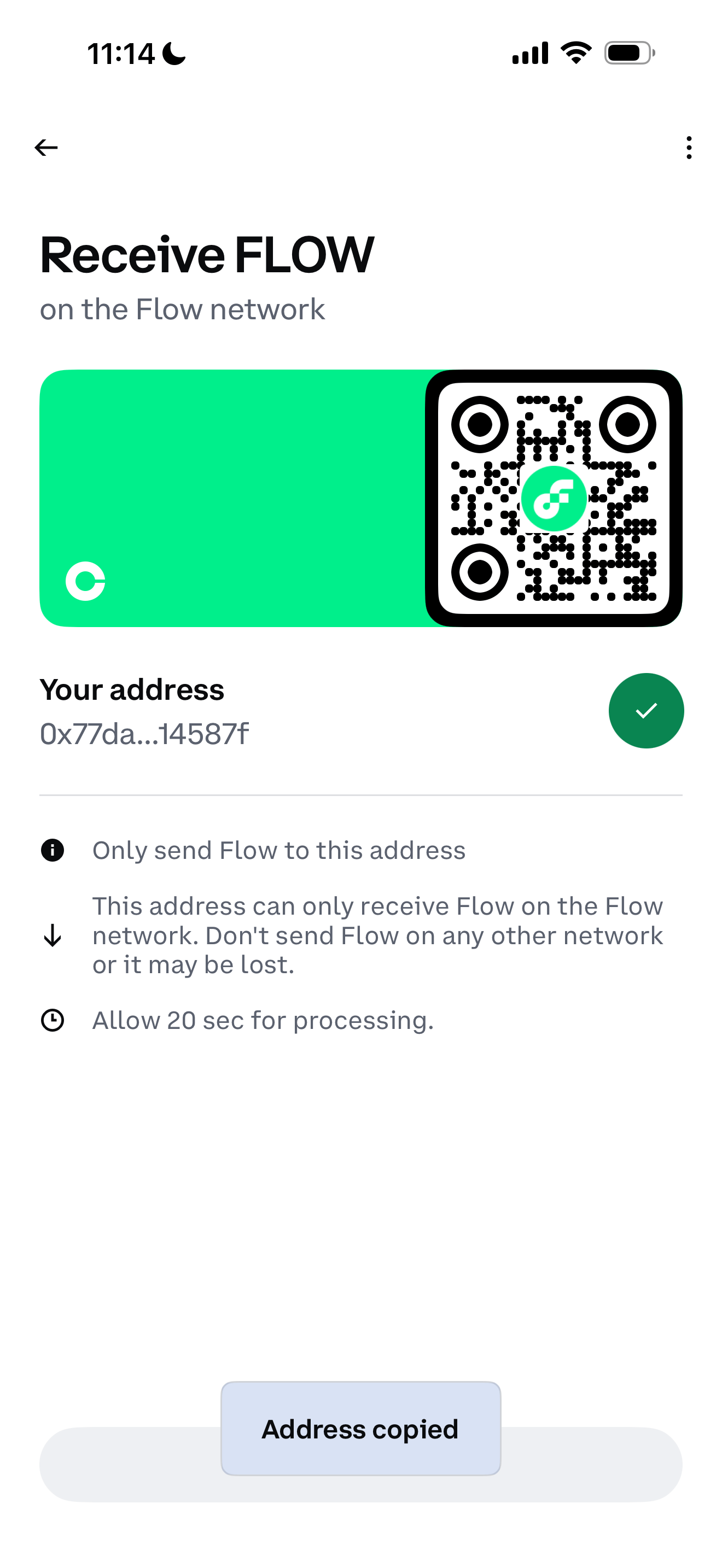
1. Get Your Deposit Address: Log into your chosen exchange (e.g., Binance, Coinbase, Kraken, OKX) and navigate to the "Deposit" section. Search for FLOW and copy your specific deposit address. If sending to a Flow wallet instead of an exchange simply open your destination Flow Wallet and find your "Receive" address. Copy this string of characters starting with 0x.
2. Open Blocto: Launch the Blocto app and sign in.
3. Select FLOW: Tap on the $FLOW token in your wallet assets list.
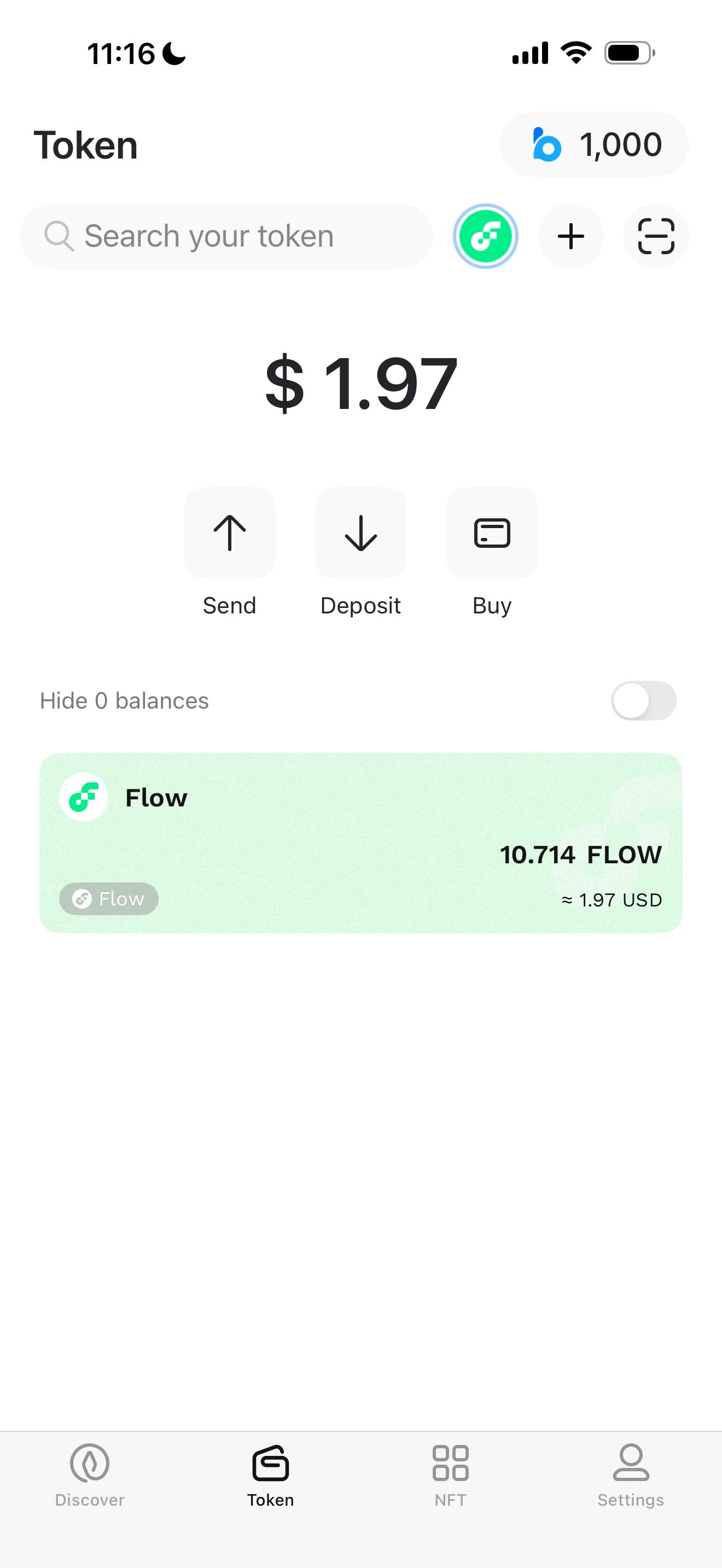
4. Initiate Send: Tap the "Send" button.
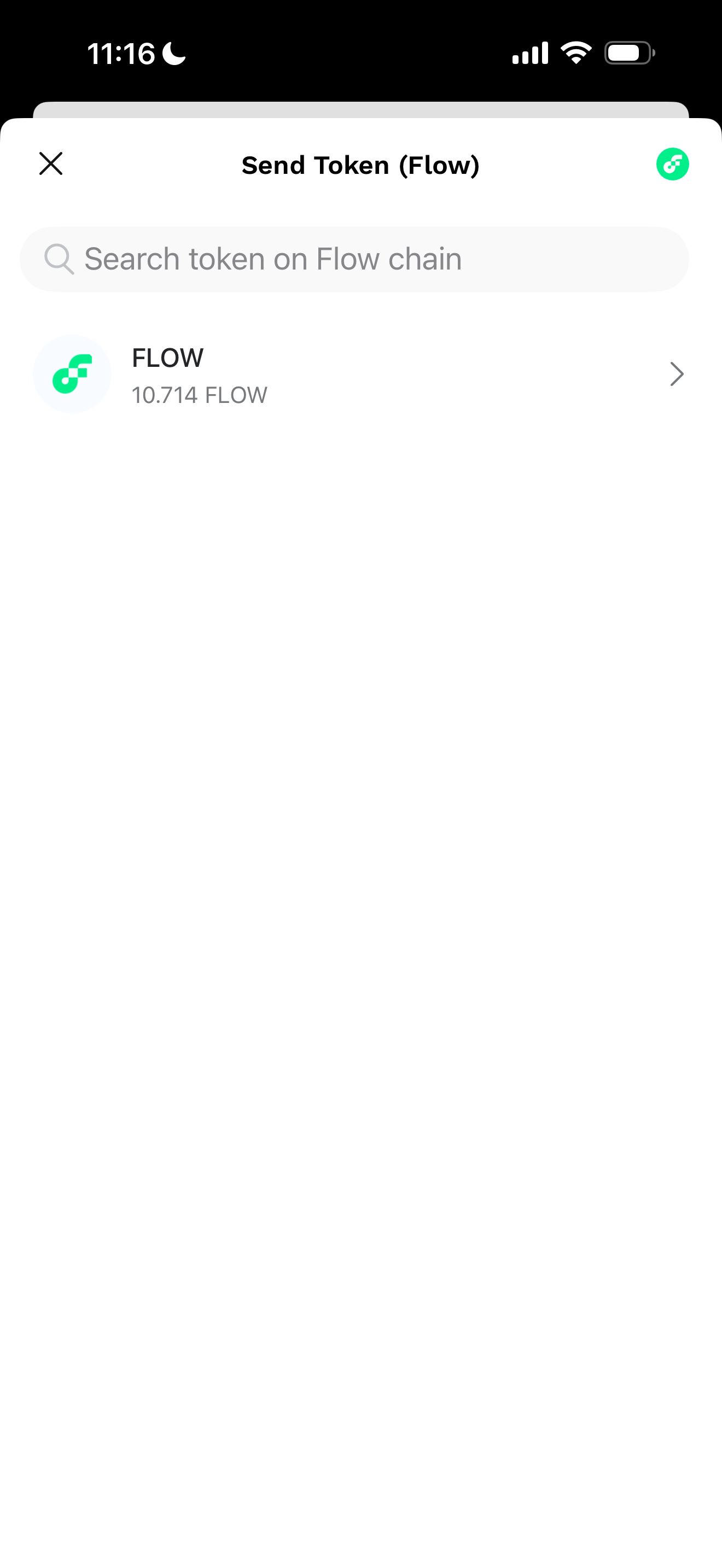
5. Enter Details:
5.1 Recipient Address: Paste the deposit address you copied from the exchange or Flow Wallet.
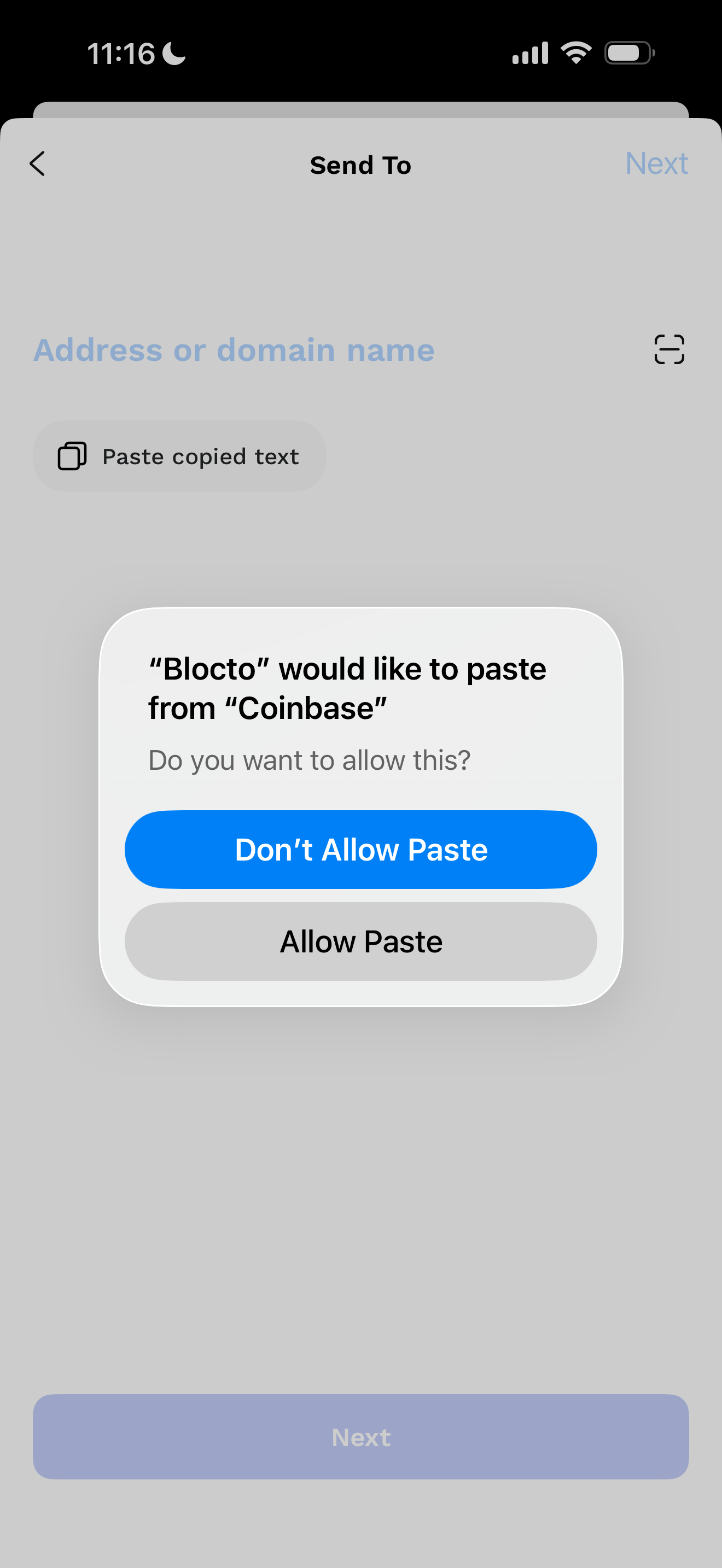
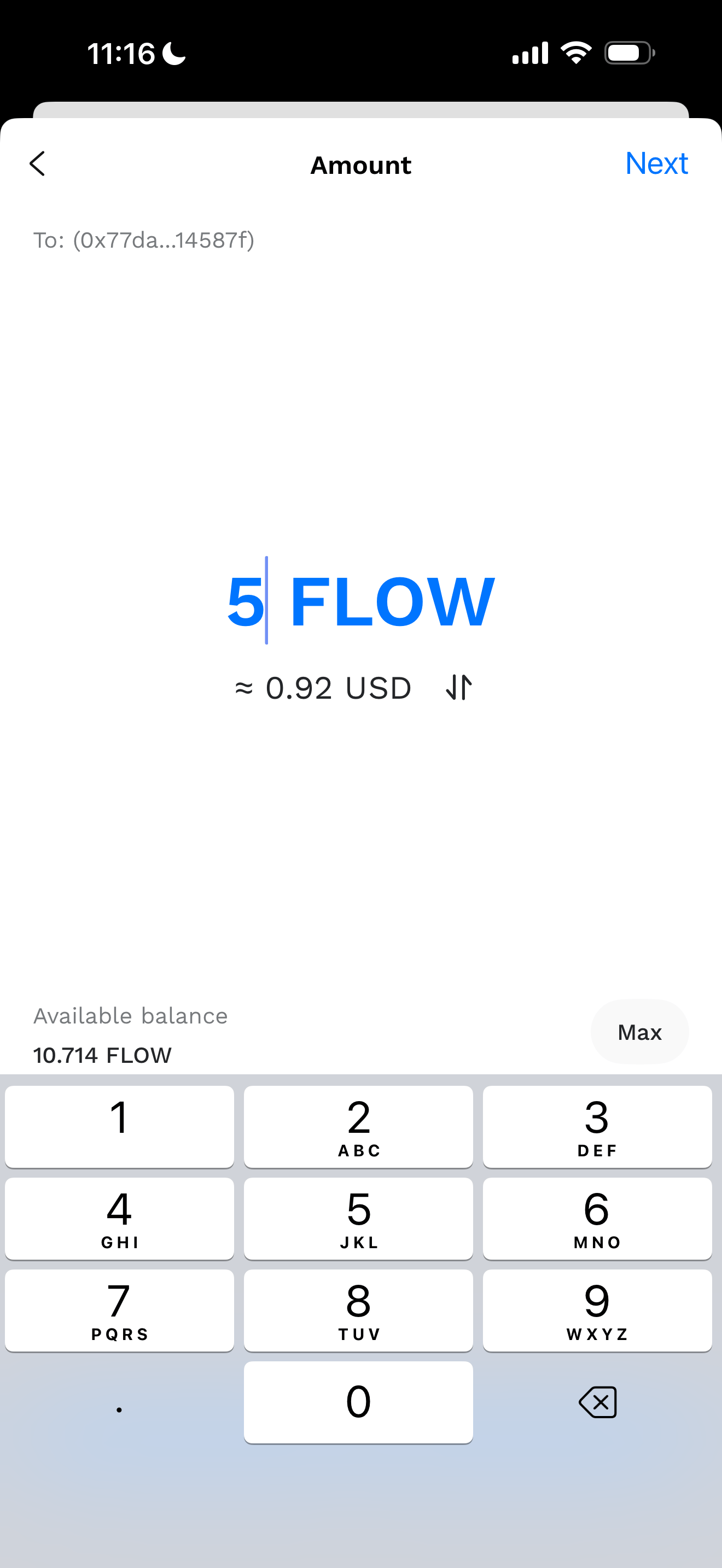
5.2 Amount: Enter the amount of $FLOW you wish to transfer (it is recommended to send a small test amount before moving the full balance to ensure the process has been done correctly).
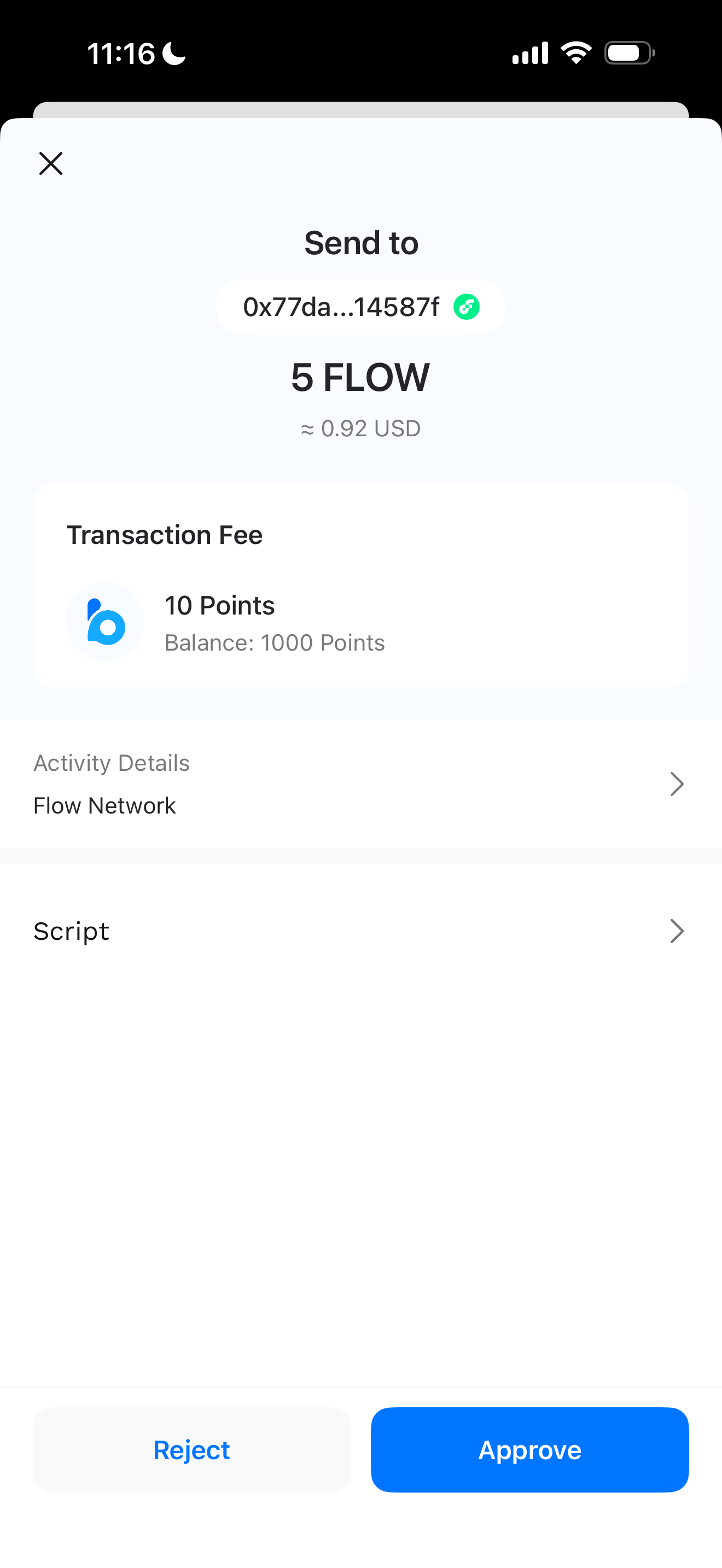
6. Review & Confirm: Click "Next" or "Preview" to review the transaction details. Double-check the address carefully. Confirm the transaction to send your funds.
Important Note for European Users: Coinbase no longer supports $FLOW in Europe. If you are a European user, please ensure you use a different exchange or choose one of the other methods.
If you hold other assets besides $FLOW, you can transfer your $FLOW first, then migrate your entire wallet from Blocto to Flow Wallet afterward following this guide